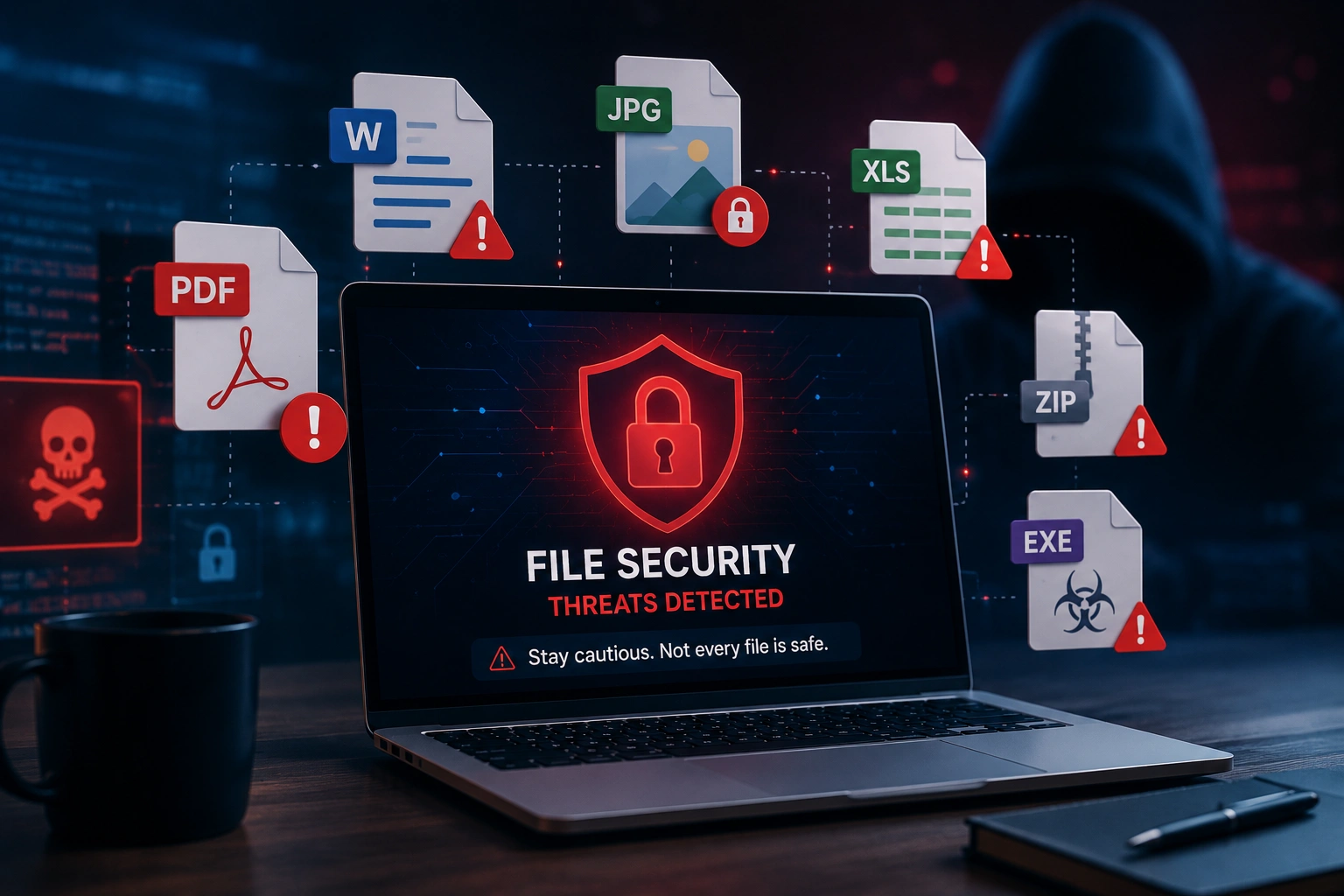
Most people think of cybersecurity as something that happens through dodgy email links or fake login pages. But some of the most sophisticated attacks in recent years have come through something far more mundane: ordinary files. PDFs, Word documents, images, and spreadsheets are all potential vectors for malware, data theft, and system compromise.
Malicious PDFs: More Common Than You Think
PDF is one of the most attacked file formats in existence, for a simple reason: it's trusted. Common PDF-based attacks include:
- Embedded JavaScript — PDF supports JavaScript execution. Malicious PDFs can run code when opened, exploiting vulnerabilities in PDF readers.
- Malicious links — PDFs containing links to phishing sites that mimic legitimate services.
- Embedded files — PDFs can contain embedded executable files that run when the PDF is opened.
- Form data harvesting — fake PDF forms that transmit your data to attacker-controlled servers.
The Risk of Uploading Files to Online Services
Every time you upload a document to an online service, you're trusting that service with your data. Many services store your files on their servers, sometimes indefinitely. Some free services analyse document content to build advertising profiles or sell data to third parties.
How to Protect Yourself
- Keep your PDF reader updated — most attacks exploit known vulnerabilities in outdated software.
- Open suspicious PDFs in a browser — Chrome and Firefox's built-in PDF viewers are significantly more sandboxed.
- Use browser-based tools for sensitive documents — tools that process files locally never transmit your document to any server.
- Never enable macros in Office documents from unknown senders.
Conclusion
Files are not passive containers of information. They're active objects that can execute code, transmit data, and carry hidden payloads. The safest document workflow keeps your files on your own device as much as possible and applies appropriate scepticism to unexpected attachments.
Found this helpful?
Share on X