
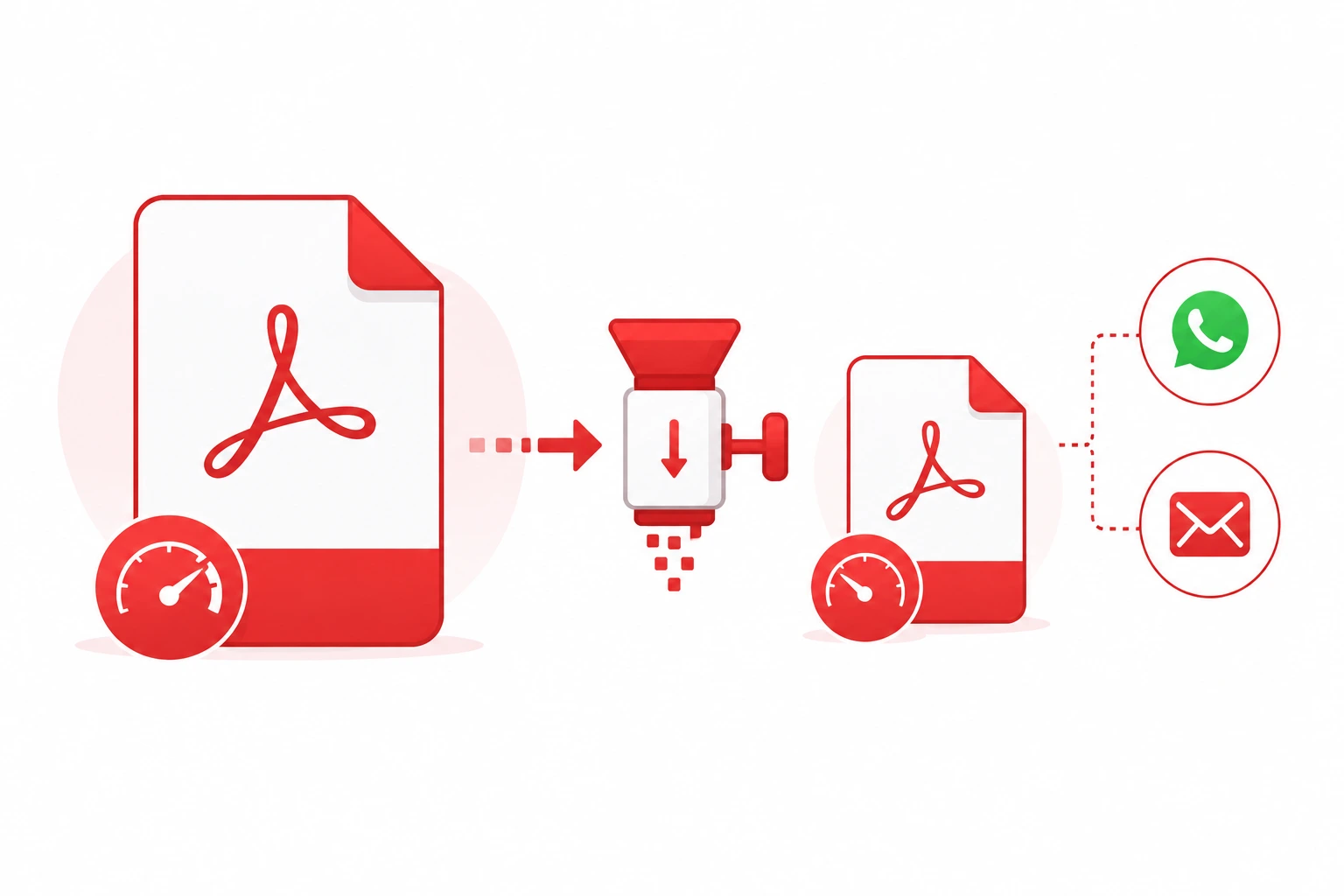
Why You Need to Compress PDFs
File size limits are a daily frustration:
- WhatsApp: Maximum 100MB per file (16MB for some account types)
- Gmail: Maximum 25MB attachment
- Outlook: Maximum 20MB attachment
- Most job portals: Maximum 2MB to 5MB for resume uploads
- Government portals: Often limited to 1MB to 2MB
A scanned document or image-heavy PDF can easily exceed these limits. Compression solves the problem without destroying your document.
How PDF Compression Works
PDF compression reduces file size by:
- Compressing embedded images — reducing image quality or resolution
- Removing embedded fonts — using standard fonts instead
- Stripping metadata — removing hidden document information
- Optimizing structure — removing redundant data in the file structure
Compression Levels Explained
Medium Compression
- Reduces file size by 20 to 40%
- Minimal visible quality loss
- Best for: Documents with important images, presentations, reports
Strong Compression
- Reduces file size by 40 to 60%
- Slight reduction in image sharpness at close zoom
- Best for: General documents, contracts, manuals
Extreme Compression
- Reduces file size by 60 to 90%
- Noticeable quality reduction in images
- Best for: Text-heavy documents, forms, scanned pages where exact image quality is not critical
How to Compress PDF Free in 3 Steps
- Go to our free PDF Compressor
- Upload your PDF (up to 100MB supported)
- Choose compression level and click Compress — download instantly
Tips for Maximum Compression
Before Compressing
- Remove unnecessary pages before compressing
- If the PDF contains high-resolution photos, strong or extreme compression gives the biggest reduction
Choosing the Right Level
- For WhatsApp sharing: Medium is usually enough
- For email attachments: Strong compression keeps quality good
- For government portal uploads with 1MB limits: Use Extreme
For Scanned Documents
Scanned PDFs (images of pages) compress very well with Extreme mode — often reducing from 10MB to under 1MB.
Check the Output
Always check the compressed PDF before sending. Open it and verify text is readable and images are acceptable.
When Compression is Not Enough
If your PDF is already heavily compressed or contains very little image data, further compression may not reduce the size much. In this case:
- Split the PDF into smaller parts and send separately
- Use a file sharing service like Google Drive and share the link
- Convert specific pages to JPG and share those instead
Compress PDF for WhatsApp
WhatsApp allows up to 100MB but many older phones or slow connections have trouble with large files. For smooth sharing, aim for under 10MB. Our PDF Compressor can typically achieve this with Strong or Extreme compression.
Compress PDF for Email
Gmail, Outlook, and most email services cap attachments at 20 to 25MB. With Strong compression, most PDFs easily fit within this limit. For files that remain too large, use Google Drive and share the link instead.
Conclusion
Compressing a PDF takes under 30 seconds with our free PDF Compressor. No software installation, no account required, and your file is processed securely. Compress as many PDFs as you need, whenever you need.