
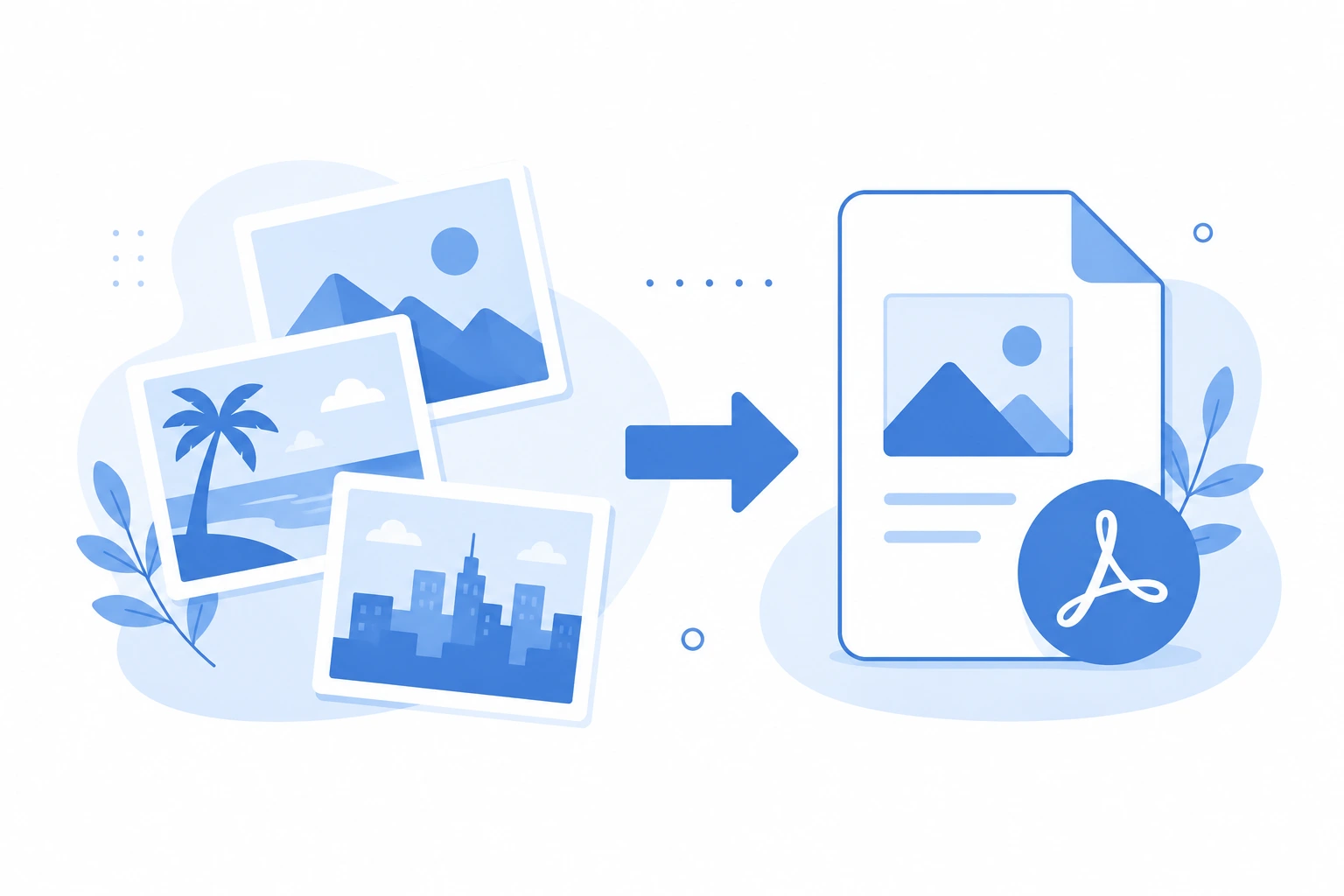
Why Convert Images to PDF?
PDF is the most universally accepted document format. Images converted to PDF are easier to share, print, and submit professionally. Here are the most common reasons to convert images to PDF:
- Submitting scanned documents for job applications or visa applications
- Combining multiple photos into a single document
- Sending images via email without quality loss
- Creating a printable photo album or portfolio
- Submitting proof of address or identity as a PDF
- Archiving photos in a standardized format
Supported Image Formats
Our free Image to PDF converter supports:
- JPG/JPEG — Most common photo format
- PNG — Supports transparency
- WebP — Modern web image format
- HEIC — iPhone photos
- BMP — Windows bitmap
- GIF — Animated and static
How to Convert Image to PDF in 3 Steps
- Go to our Image to PDF converter
- Upload your image or drag and drop it onto the page
- Click Convert and download your PDF instantly
Converting Multiple Images to One PDF
To combine multiple images into a single PDF:
- Upload all images at once
- Drag to reorder them if needed
- Click Convert — all images merge into one PDF in order
Image to PDF Tips
For Documents and Text
If you are scanning a document, use a high resolution (300 DPI or higher) for crisp, readable text in the PDF.
For Photos
Standard resolution (150 to 200 DPI) is sufficient for photos that will be viewed on screen. Use 300 DPI for print quality.
For Passport and ID Photos
Most government portals accept PDF files. Scan your ID at 300 DPI for clear, readable output.
File Size Considerations
High-resolution images create large PDFs. If file size matters, compress the PDF after converting using our PDF Compressor.
iPhone HEIC to PDF
iPhone photos save in HEIC format by default. Our converter handles HEIC directly — no need to convert to JPG first.
Image to PDF vs Scanning Apps
Mobile scanning apps like CamScanner add perspective correction and enhancement. Our tool is better for:
- Images already saved on your computer
- High-quality photos that do not need correction
- Batch conversion of multiple images at once
Conclusion
Converting images to PDF takes seconds with our free Image to PDF converter. No software installation, no account required, and it works on any device — Windows, Mac, iPhone, and Android.