
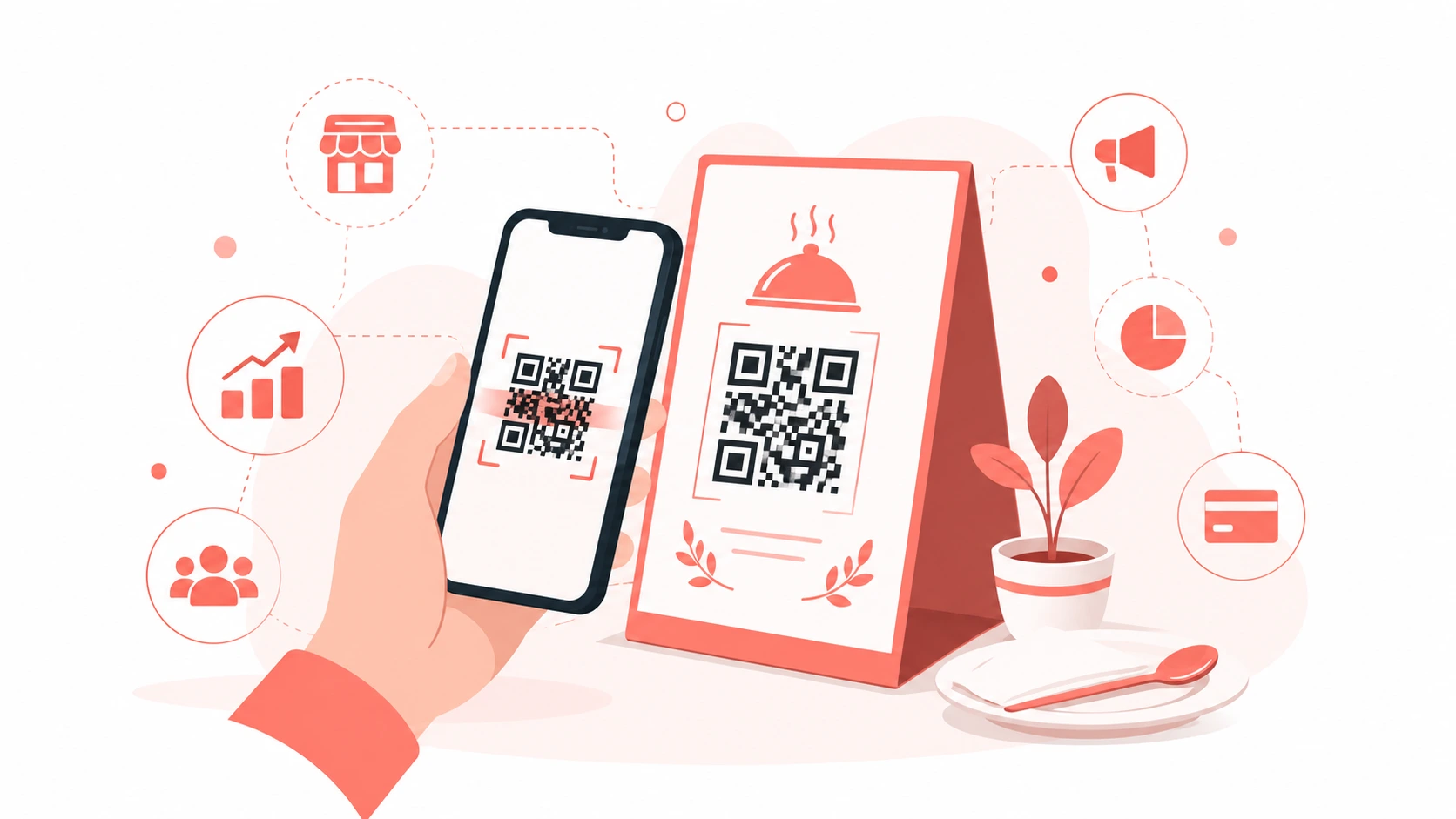
Why QR Codes Matter for Business
QR codes bridge the gap between physical and digital. A customer sees your flyer, scans the code, and lands on your website, menu, or booking page — instantly. No typing, no searching.
Since 2020, QR code usage has grown over 750% globally. Every smartphone camera can scan them natively without an app.
10 Ways Businesses Use QR Codes
1. Digital Menus for Restaurants
Replace physical menus with a QR code on each table. Customers scan to view the menu on their phone. This saves printing costs and allows instant menu updates.
2. WiFi Access for Customers
Place a QR code at your counter or reception. Customers scan to connect to your WiFi instantly — no password sharing needed.
3. Business Cards
Add a QR code to your business card that links to your LinkedIn profile, portfolio, or contact page. It makes networking seamless.
4. Product Packaging
Link to instruction manuals, warranty registration, or reorder pages directly from product packaging.
5. Payment Collection
Link your QR code to a UPI payment address or payment page for instant payments.
6. Event Check-in
Use unique QR codes for event tickets. Scanning at the entrance confirms attendance instantly.
7. Customer Reviews
Link a QR code to your Google Business review page. Place it at the billing counter to encourage reviews right after purchase.
8. Social Media Growth
Link your QR code to your Instagram, YouTube, or WhatsApp Business profile.
9. Loyalty Programs
Issue QR codes as loyalty cards. Each scan adds points to the customer's account.
10. Feedback Collection
Link to a Google Form or survey. Place QR codes on receipts or at tables to collect customer feedback.
How to Create a Business QR Code Free
Use our free QR Code Generator:
- Select the type — URL, WiFi, Email, Phone, or Text
- Enter your content
- Customize colors to match your brand
- Download as PNG in high resolution
QR Code Design Tips for Business
- Use your brand colors for the QR code
- Add your logo in the center for brand recognition
- Always test before printing
- Use minimum 3x3 cm size for print
- Include a call to action like "Scan to order" or "Scan for WiFi"
Measuring QR Code Performance
Use a URL shortener like Bitly to track how many times your QR code was scanned, when, and from which location.
Conclusion
QR codes are free, easy to create, and incredibly effective for connecting physical touchpoints to digital experiences. Create yours in seconds using our free QR Code Generator.